
 Essential
Universal Lock Key 3 compatible
C-Type Secure Drive & Secure Connector 2
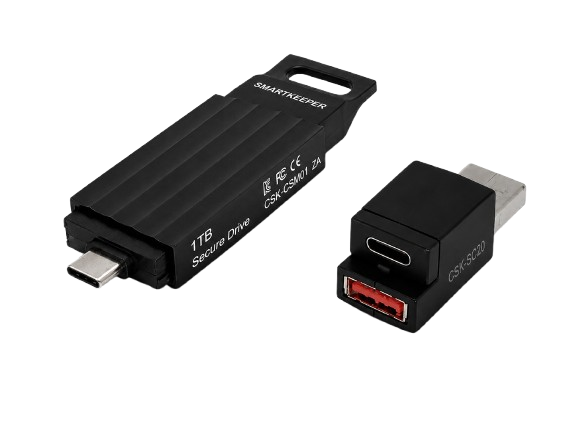
CSK-CSM01: USB drive with a physical contact pattern (profile), recognised only by a matching security connector (from 128 GB). The drive is not recognised directly at a USB port without the connector, or with a connector using a different profile. CSK-SC20: The connector is designed to recognise only a drive with the same contact pattern. After insertion into a USB port, pressing the locking button prevents removal. Drives with another profile, standard USB drives and other USB devices are not recognised.
Contents
- Model
- CSK-CSM01 / CSK-SC20
- Technical specifications
- CSK-CSM01: W 23.6 × H 9.95 × L 64.23 mm CSK-SC20: W 16.4 × H 16.1 × L 40.9 mm
- Weight
- CSK-CSM01: 14 g / CSK-SC20: 10 g
- Colour
- Black
- Application
- SC20 Connector → computer: USB-A; Secure Drive → SC20 Connector: USB-C
Key features
01Reliable security for important data
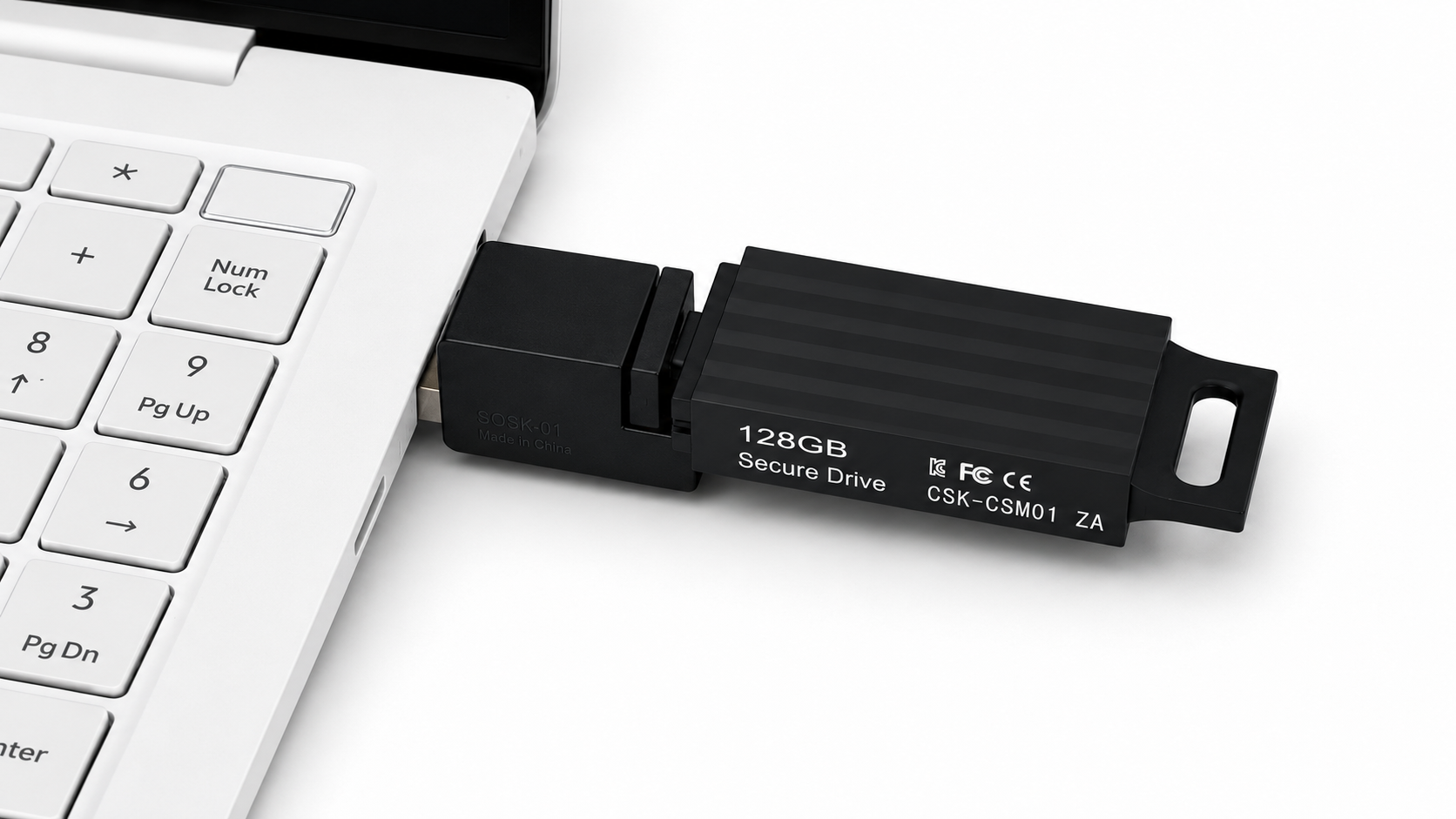
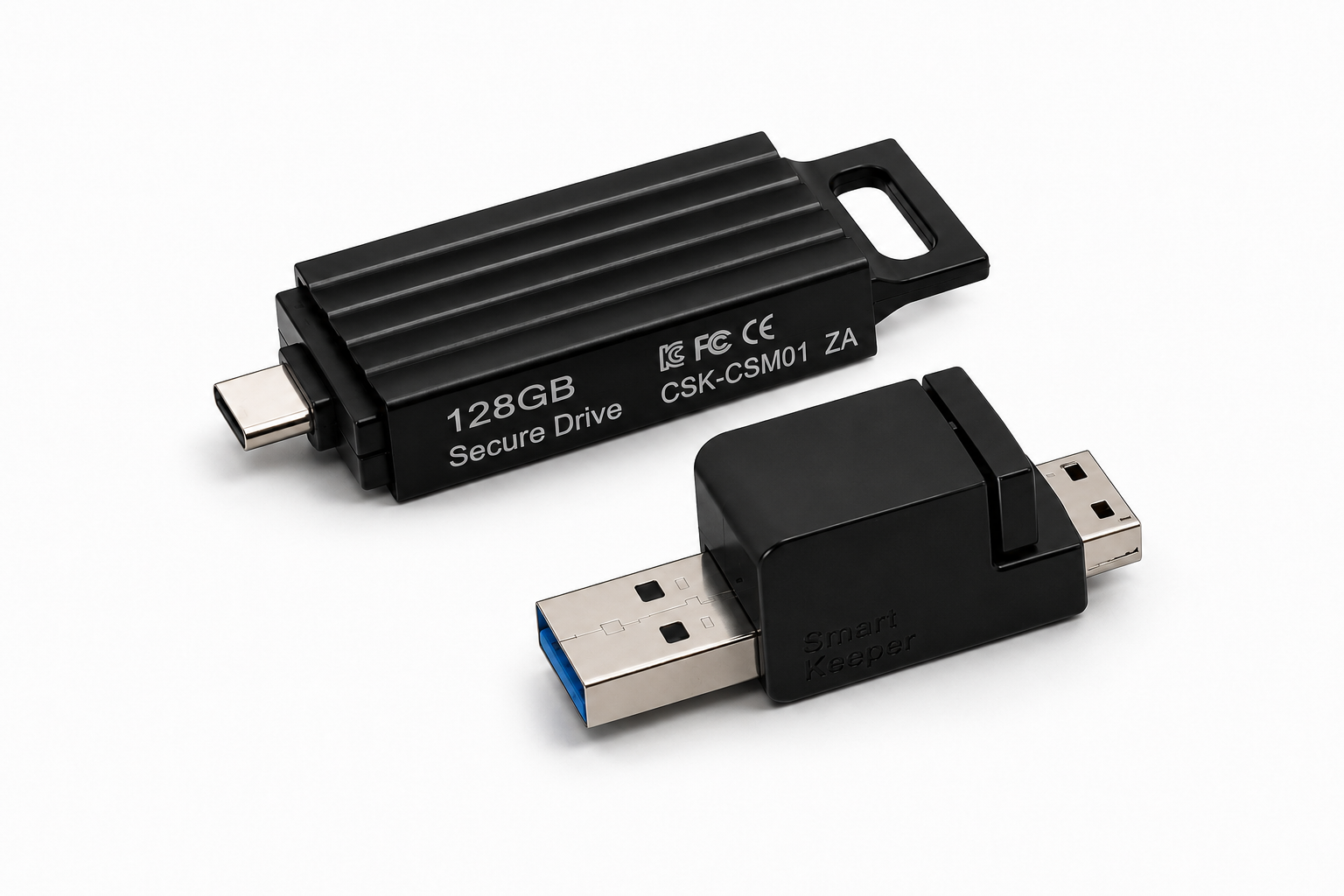
The Secure Drive CSK-CSM01 connects by USB-C to its designated Secure Connector 2 CSK-SC20 with a matching pattern. The SC20 Connector connects to the computer via USB-A. The Secure Drive cannot be used directly in a standard USB-C port on the computer; its contents can only be accessed through the matching SC20 Connector.
02High reliability through verified genuine memory
Equipped with high-quality genuine SanDisk TF memory for durability and stable data storage.
03Controllable physical security
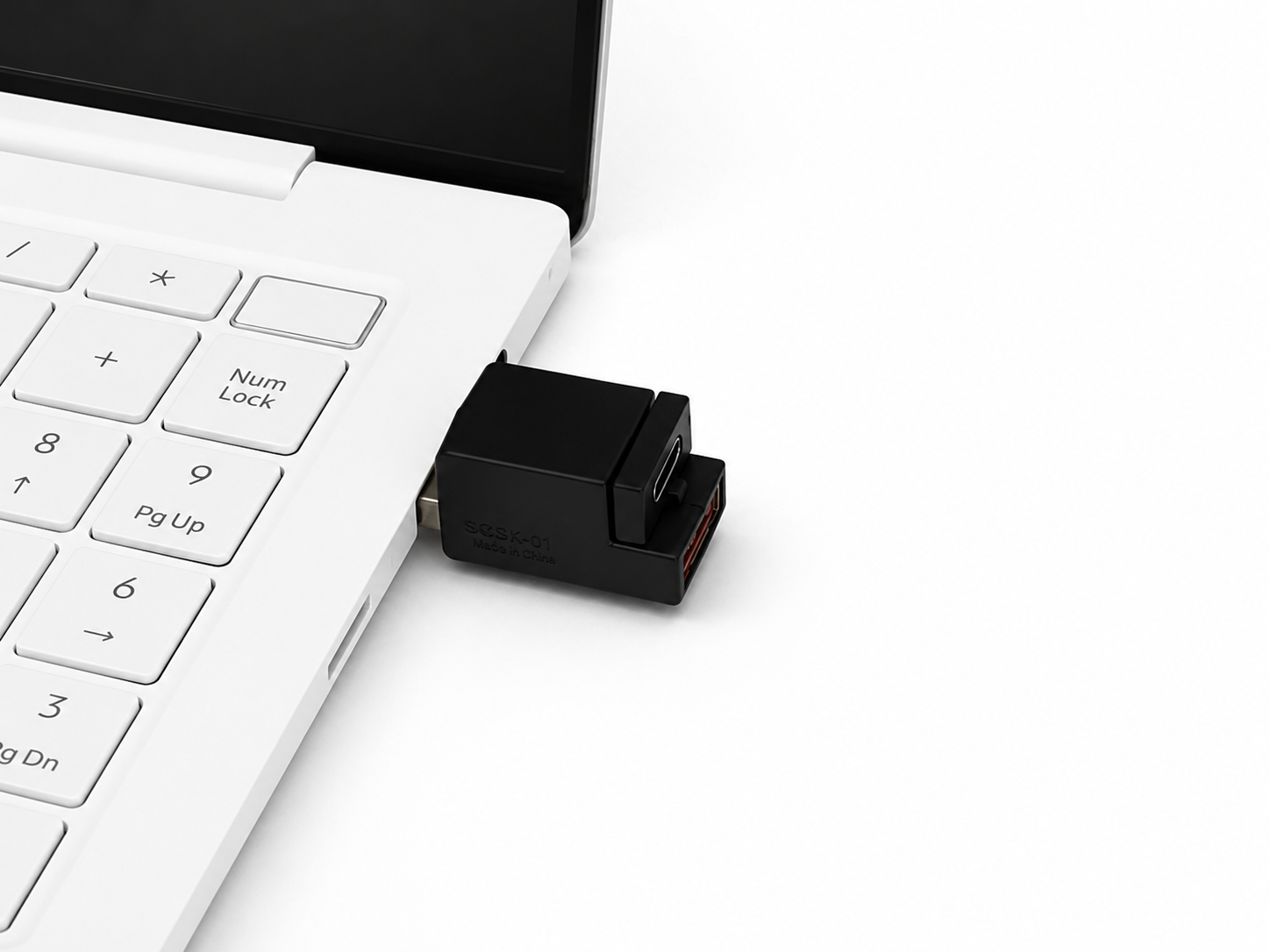
After inserting the adapter into a PC or server USB port, press the locking button to secure it. Security personnel can control where the adapter and memory are used.
04Storage from 128 GB and wide compatibility
The Secure Drive CSK-CSM01 is available from 128 GB. Plug & Play allows use on different devices and operating systems without additional software or driver settings.
05Easy installation, unlocking and expansion
After insertion into the desired USB port, simply press the locking button. The unlocking key held by security personnel releases the button, allowing removal from the port. Installation, unlocking and expansion for additional use are straightforward.
User manual
Integrated user manual (DE, EN, FR, IT, ES). Check the model and instructions for use before installation.